Plugins
Overview
Give your coding agents new tools and skills, and which agents support them
A plugin connects your coding agents to another service, such as an issue tracker or an error monitor. Each plugin is a bundle of two things:
- MCP tools the agent can call, such as "create an issue" or "search errors".
- Skills that teach the agent when and how to use those tools.
You install a plugin from the desktop app, and Paradev sets it up for the agents on that machine. When a plugin needs an account, you connect it in Paradev; the agent never sees your credentials.
See Available Plugins for guides to individual plugins.
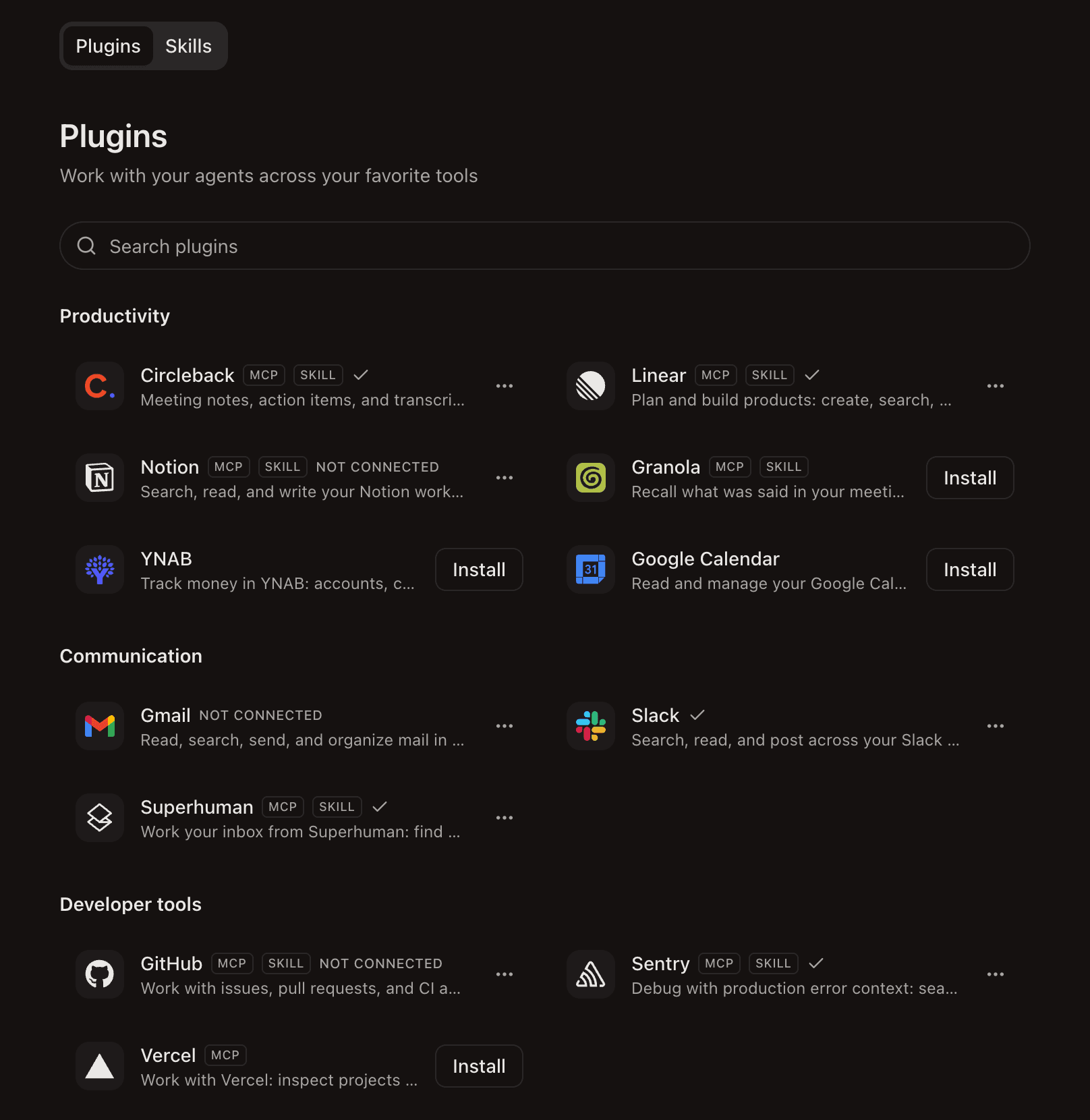
Install a Plugin
- Open Plugins in the sidebar.
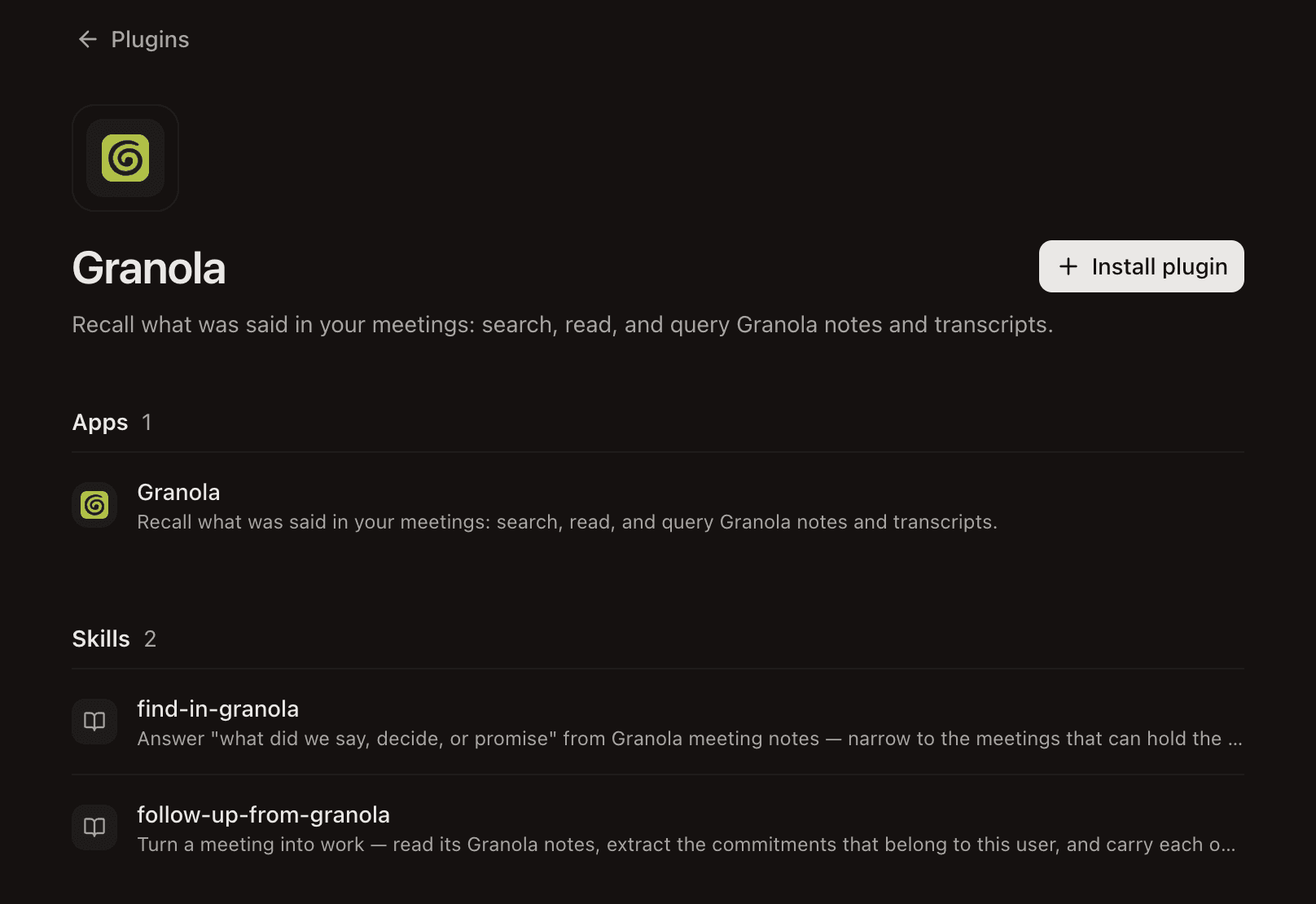
- Select a plugin and click Install.
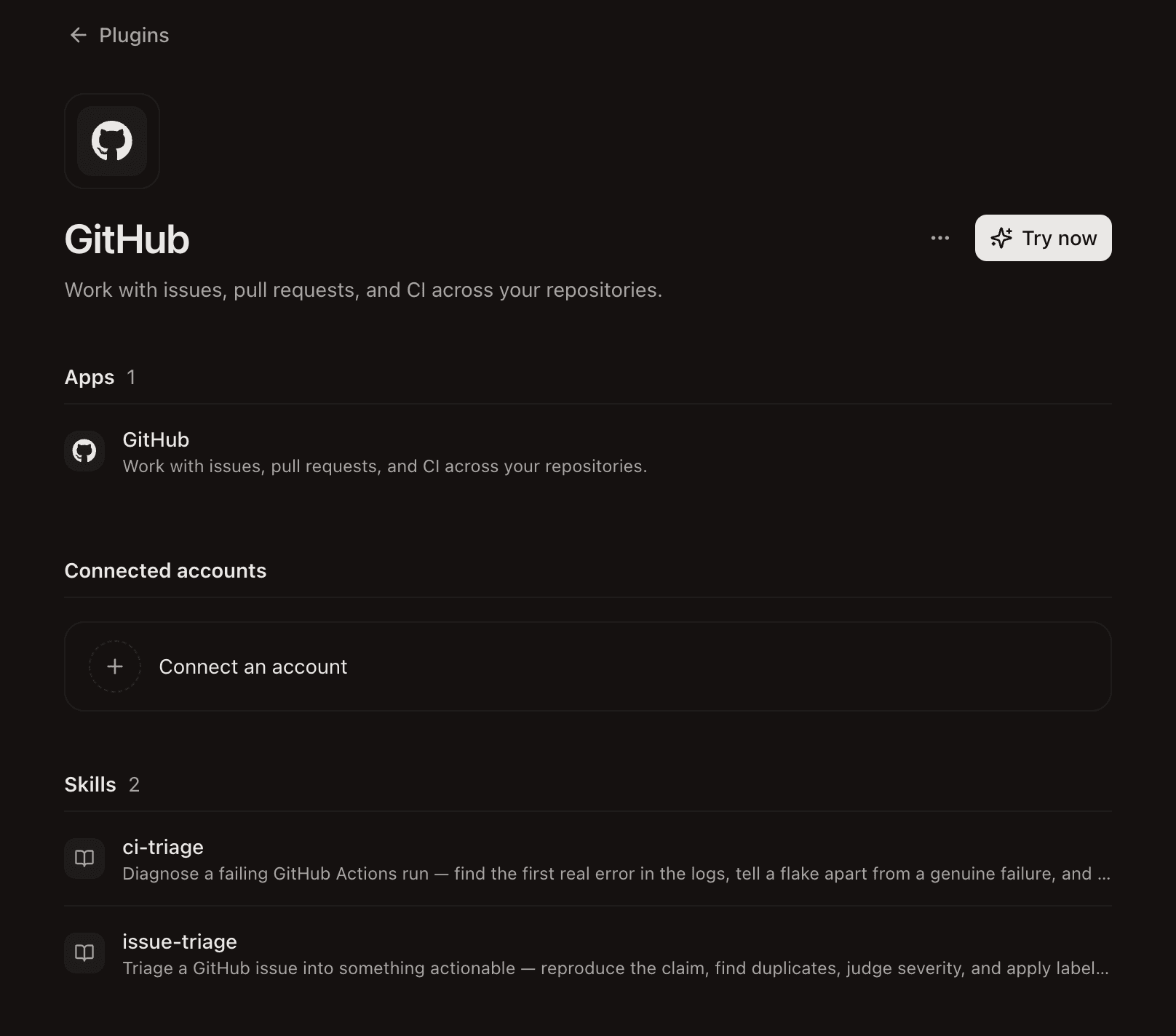
- If the plugin needs an account, click Connect an account and sign in to the service.
Start a new agent session to pick up the new tools and skills.
Supported Agents
| Agent | MCP tools | Skills |
|---|---|---|
| Claude Code | ✅ | ✅ |
| Codex | ✅ | ✅ |
| Kimi, Vibe, Grok | — | ✅ |
| Other agents | — | — |
— means not supported yet.
MCP Tools
When you install a plugin, Paradev adds its MCP server to each supported agent's own config file. You do not edit these files yourself.
| Agent | Config file | How Paradev writes it |
|---|---|---|
| Claude Code | ~/.claude.json (user mcpServers) | Adds one entry per plugin and records it in ~/.superset/plugins/mcp-ledger.json |
| Codex | ~/.codex/config.toml | Adds [mcp_servers.<name>] tables inside a # >>> superset managed mcp servers >>> block |
- Your entries win. If you already configured a server for that agent with the same name as the plugin, Paradev leaves yours in place and does not add a copy. This is per agent: a server you added to Codex does not stop Paradev from adding it to Claude Code.
- Uninstall cleans up. Removing a plugin removes the entries Paradev wrote. In Claude Code, an entry you edited is now yours and stays. In Codex, Paradev owns everything inside its marked block, so put your own servers outside it.
- Credentials stay on Paradev. The entries point at the Paradev proxy. Your OAuth tokens are never written to these files.
The Chat UI runs the same CLI, so a plugin's tools work there too.
Skills
A plugin's skills go to the same places as the built-in Paradev skills:
| Location | Read by |
|---|---|
~/.claude/skills/superset/ | Claude Code, as the superset plugin |
~/.agents/skills/ | Codex, Kimi, Vibe, Grok |
Skills refresh at every app launch, and skills from an uninstalled plugin are removed.